OpenClaw went from open-source curiosity to 150,000+ GitHub stars in a matter of weeks. If you've been anywhere near the AI agent conversation, you've probably already seen it or at least heard the renaming saga (ClawdBot → MoltBot → OpenClaw, lobster mascot intact throughout).
What makes OpenClaw interesting isn't just that it runs locally on your machine. It's that it treats messaging platforms—Discord, Telegram, WhatsApp—as first-class interfaces, not afterthoughts. They're how and where your agent actually lives.
So what happens when someone in your Discord asks your agent something that requires fresh information from the web?
We're going to walk through how to wire up OpenClaw to Discord and equip it with the You.com Search API so it can answer real-time questions, pull live content, and actually be useful to the people in your server, not just parrot its training data.
Why This Combination Works
Let's set the table before we get into the setup.
OpenClaw is a locally-running AI agent that operates on your own hardware. It connects to LLMs (Claude, GPT-4o, local models via Ollama), manages persistent memory, and extends its capabilities through a system called skills—Markdown-based instruction files that teach the agent how to use tools.
Discord is one of OpenClaw's supported channels. Once connected, your OpenClaw agent can read messages, respond in channels, handle DMs, and even execute slash commands. Each channel gets its own isolated session, so conversations in #engineering don't bleed into #general.
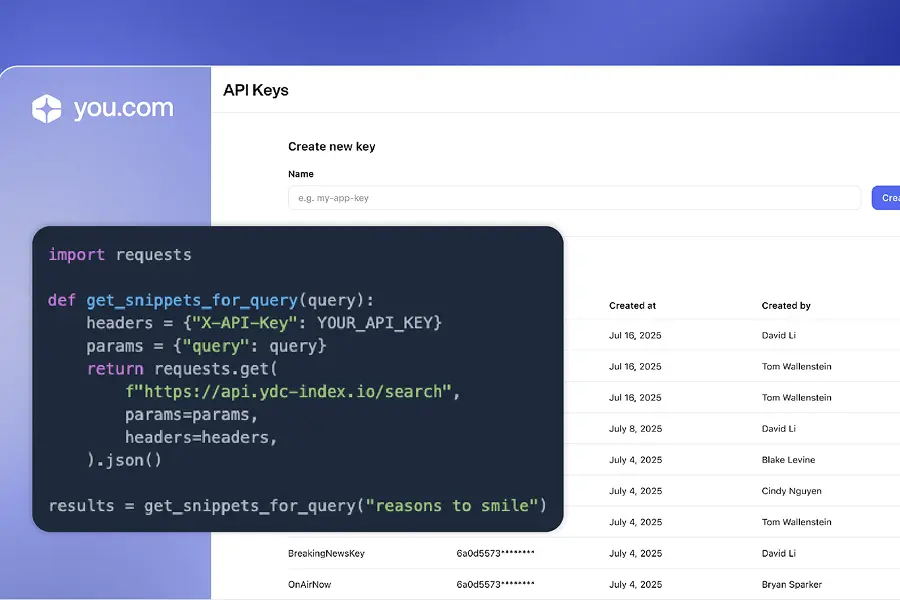
The You.com Search API is designed specifically for this kind of use case, feeding structured, LLM-ready search results to AI agents. It returns clean snippets, metadata, and optionally full page content in Markdown via a feature called Livecrawl. One API call gets you search results and the extracted content of those pages. No multi-step fetch-and-parse pipeline required.
The three pieces fit together cleanly:
- OpenClaw provides the agent framework
- Discord provides the interface
- You.com provides the eyes on the live web.
Getting Started
Before diving in, make sure you have these in place:
- Node.js v20+ installed on your machine (or VPS)
- OpenClaw installed and running (
npm install -g @openclaw/gateway) - A Discord account with access to the Developer Portal
- A You.com API key from you.com/platform/
- A basic comfort level with the terminal, you don't need to be a senior engineer, but you should know your way around
cd and nano
Step 1: Connect OpenClaw to Discord
If you haven't already set up Discord as a channel for OpenClaw, here's the condensed version. The official OpenClaw docs cover this in detail, but the core flow is straightforward.
Create the Discord bot:
- Go to the Discord Developer Portal and click New Application. Name it whatever you want, this is your agent's identity in Discord.
- Navigate to the Bot tab. Click Reset Token and save the token somewhere safe. You'll need it shortly.
- Under Privileged Gateway Intents, enable:
- Message Content Intent (required; without this, the bot can't read messages)
- Server Members Intent (recommended for allowlists)
- Go to OAuth2 → URL Generator. Select the
bot scope and applications.commands if you want slash commands. For permissions, grant Read Messages/View Channels and Send Messages at minimum. Avoid granting Administrator unless you have a specific reason. - Copy the generated invite URL, open it in your browser, and invite the bot to your server.
Configure OpenClaw:
Add the Discord token to your OpenClaw environment:
Shell
echo 'DISCORD_BOT_TOKEN=your-token-here' >> ~/.openclaw/.env
Or set it directly in ~/.openclaw/openclaw.json:
JSON
{
"channels": {
"discord": {
"token": "your-token-here",
"guilds": {
"YOUR_GUILD_ID": {
"channels": ["YOUR_CHANNEL_ID"]
}
}
}
}
}
Restart the gateway:
JSON
openclaw gateway restart
Test it by mentioning your bot in the allowed channel: @YourBot hello
If it responds, you're connected. If not, run openclaw doctor and openclaw channels status --probe to diagnose. The most common issue is forgetting to enable the Message Content Intent, it's the number one cause of a silent bot.
A note on security: Discord is noisy. OpenClaw defaults to pairing mode for DMs, which means new users have to be approved before they can interact with your agent. For guild channels, use allowlists to restrict which channels and users the bot responds to. Start with one dedicated channel like #openclaw-bot and expand from there.
Step 2: Install the You.com Skill for OpenClaw
This is where the You.com integration philosophy pays off.
You.com built their agent tooling around a CLI-first, schema-discoverable design. That means integrating with OpenClaw doesn't require a custom SDK, adapter, or platform-specific plugin. The You.com skill is already published on ClawHub, and installing it is a one-liner:
Shell
npx clawhub install youdotcom-cli
Or, if you prefer Bun:
Shell
bunx clawhub install youdotcom-cli
For the agent skills approach (which guides OpenClaw through setup interactively):
Shell
npx skills add youdotcom-oss/agent-skills --skill youdotcom-cli
Once installed, configure your API key. Add it to your OpenClaw environment:
Shell
echo 'YDC_API_KEY=your-youcom-api-key' >> ~/.openclaw/.env
Restart the gateway to pick up the changes:
Shell
openclaw gateway restart
Verify the skill is loaded:
Shell
openclaw skills list
You should see youdotcom-cli in the output. If it's not showing up, double-check that the SKILL.md file is properly formatted. OpenClaw is particular about the YAML frontmatter. Descriptions with special characters need to be wrapped in quotes (a common gotcha that trips up a lot of people).
Step 3: Understanding What You Just Unlocked
With the You.com skill active, your OpenClaw agent on Discord can now do things like:
Real-time web search:
When someone in your Discord asks "What's the latest on the EU AI Act?," your agent doesn't have to shrug and say it doesn't have recent information. It calls You.com's Search API and returns structured, sourced results.
Under the hood, the CLI call looks like this:
Shell
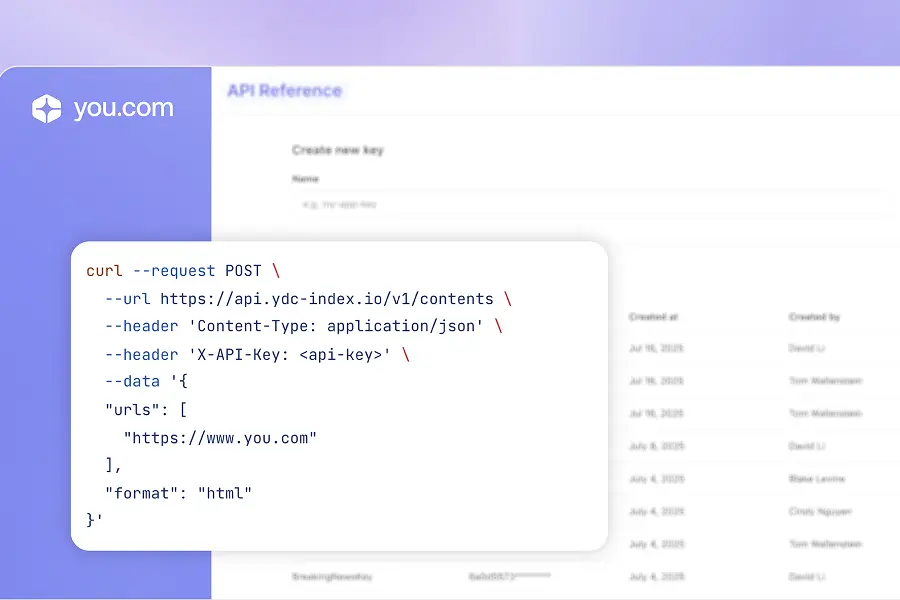
bunx @youdotcom-oss/api@latest search --json '{
"query": "EU AI Act latest updates 2026",
"livecrawl": "web",
"livecrawl_formats": "markdown"
}' --client OpenClaw
Livecrawl—search and extract in one call:
This is the feature that makes You.com particularly well-suited for agent workflows. Most search APIs give you a list of URLs and snippets. If you need the actual content of those pages, you're on your own - fetch each URL, handle redirects, parse HTML, deal with paywalls and bot detection.
Livecrawl collapses that entire pipeline into a single parameter. Set "livecrawl": "web" and "livecrawl_formats": "markdown", and each search result comes back with the full extracted page content in clean Markdown. Fewer API calls, faster responses, simpler agent logic.
Schema discovery without documentation:
Your agent can discover available parameters programmatically:
Shell
npx @youdotcom-oss/api@latest search --schema
This returns a machine-readable description of every option. If You.com adds new features, they show up automatically—no skill update required. That's the benefit of the @latest tag in the package reference: skills don't rot over time.
Step 4: Build a Custom Skill for Your Server's Needs
The out-of-the-box You.com skill handles general search. But the real power of OpenClaw's skill system is that you can layer on custom behavior tailored to your community.
Say you run a developer community Discord and you want your agent to automatically search for relevant docs when someone asks a technical question. Create a custom skill:
Shell
mkdir -p ~/.openclaw/skills/discord-web-research
Create the SKILL.md file:
None
---
name: discord-web-research
description: "Search the web for technical answers using You.com when users ask questions in Discord"
---
# Discord Web Research Skill
## Description
When a user asks a technical question in Discord, use the You.com CLI
to search for current, relevant information and provide a sourced answer.
## Tools Required
- `exec` (to run CLI commands)
- `youdotcom-cli` (for web search)
## Instructions
When a user asks a question that requires up-to-date information:
1. Identify the core query from the user's message
2. Run a You.com search with livecrawl enabled:
bunx @youdotcom-oss/api@latest search --json '{
"query": "EU AI Act latest updates 2026",
"livecrawl": "web",
"livecrawl_formats": "markdown"
}' --client OpenClaw
3. Synthesize the results into a concise, well-sourced answer
4. Include relevant URLs so users can dig deeper
5. If the search doesn't return useful results, say so honestly
## Examples
- "What's new in React 19?" → Search and summarize recent React 19 updates
- "How does Kubernetes handle pod eviction?" → Search for current K8s documentation
- "Any major outages today?" → Search for real-time incident reports
Enable it in openclaw.json:
None
{
"skills": {
"entries": {
"discord-web-research": {
"enabled": true
}
}
}
}
Restart the gateway, and your agent now has a clear playbook for handling web research queries from Discord.
Step 5: Automation with Cron and Heartbeats
OpenClaw supports cron jobs and heartbeat-based automation, which opens up some genuinely useful patterns when combined with You.com's search capabilities:
Daily news digests: Schedule a cron job that searches for news in your domain every morning and posts a summary to a #daily-brief channel.
Monitoring mentions: Search for your company or project name periodically and alert the team in Discord when something new appears.
Research roundups: For communities centered around a specific technology, have the agent compile weekly roundups of articles, blog posts, and discussions.
These aren't hypotheticals, they're the kinds of things people are already building with OpenClaw. The You.com skill makes the search layer trivial to implement.
What's Actually Happening Under the Hood
It's worth pausing to appreciate why this integration is so clean.
You.com made an architectural bet early on: instead of building platform-specific integrations for every agent framework, they built a single CLI that takes JSON input and returns JSON output. Any agent that can run a shell command—which is every agent worth talking about—can use the You.com Search API without custom glue code.
OpenClaw, similarly, treats skills as Markdown instruction files that teach the agent how to combine tools. There's no plugin system to learn, no complex API surface to navigate. You write instructions in plain English, point to a CLI tool, and the agent figures out the rest.
That's why the You.com OpenClaw integration was built in hours, not weeks. And it's why you can extend it in minutes, not days.
Quick Troubleshooting Guide
If you’ve started building but have gotten stuck, below are some common hurdles and how to fix them.
Bot is connected but doesn't respond to search queries: Check that the exec tool is enabled in your OpenClaw config. Without it, the agent can't run CLI commands, which means it can't call the You.com tool.
"API key not found" errors: Make sure YDC_API_KEY is set in ~/.openclaw/.env and that you've restarted the gateway after adding it. Environment changes don't take effect until restart.
Long response times: If you're running a local model via Ollama, the bottleneck is usually the LLM, not the search API. You.com delivers results in under 500ms. Consider switching to a cloud model (Claude, GPT-4o) for faster end-to-end response times, or increase your local model's context window.
Discord 2000-character limit: OpenClaw automatically chunks long responses, but if your agent is hitting the limit frequently, consider adding instructions in your skill to keep responses concise.
Go Build Something
The pieces are all here: OpenClaw gives you a locally-running agent with persistent memory and multi-channel support, Discord gives you the interface your community already uses, andYou.com gives your agent live access to the web with an API that was built for exactly this kind of integration.
The starting point is simple:
- Get a You.com API key: you.com/platform/api-keys
- Install the skill:
npx clawhub install youdotcom-cli - Connect Discord: Follow the steps above
- Start asking questions in your server
You'll be surprised how quickly it goes from "neat demo" to "genuinely useful tool."


.webp)


.webp)